

Notification Inbox
 Thiago Krieck
Description
From the Jira:
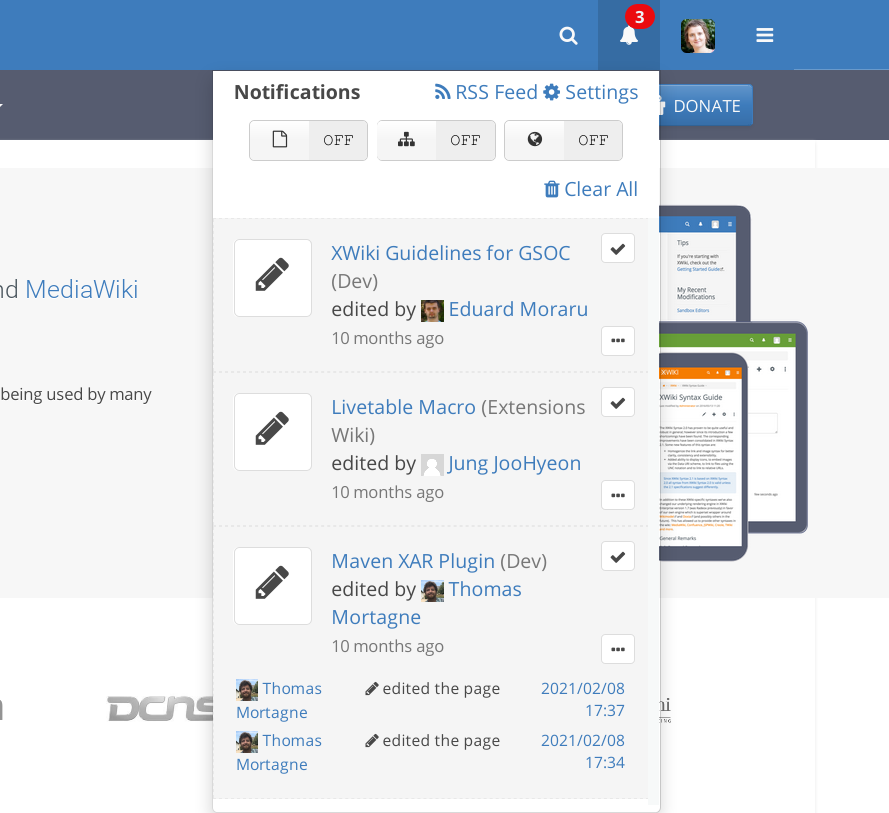
Multiple features are crammed in this small space:
- seeing a potentially long flow of notifications (not the case in the above screenshot, but can be the case) - a scroll will be added
- all the information about each notification: basic ones and expanded details, with links that can navigate away from the current view:
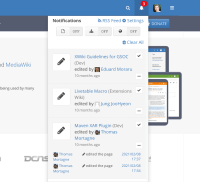
- actions for notifications:
- "mark as read" button for each notification,
- the clear all button on top of the list.
- access to settings,
- link to RSS,
- the switches with actions for the current location .
There should be a view for the notifications of a user in a separate screen / page, displayed on the full width of the page where all these actions would be comfortably accessible.
Proposal
Create a full-screen notification inbox view.
Inbox Grouped View
The inbox comprises the group and table views. In group view the inbox behaves similarly to the notification popup, showing notifications grouped under a common name. The layout is better suited for a larger screen, allowing for quick filtering and showing options as descriptive labels and buttons.

Inbox table view
In table view the notifications are shown ungrouped, with each individual notification event being rendered in a Live Data table with quick filtering enabled.
Because Live Data already has filtering, we can hide the main "search" filter.
The livedata fields are:
- Username (starter of event)
- Action (what triggered the event)
- Page Name (part of the event location)
- Wiki Name (part of the event location)
- Date and time (when the event occured)

Quick notification popup
The quick notification remains largely the same. Changes in this component are in a separate proposal:
- Notification Center Redesign


